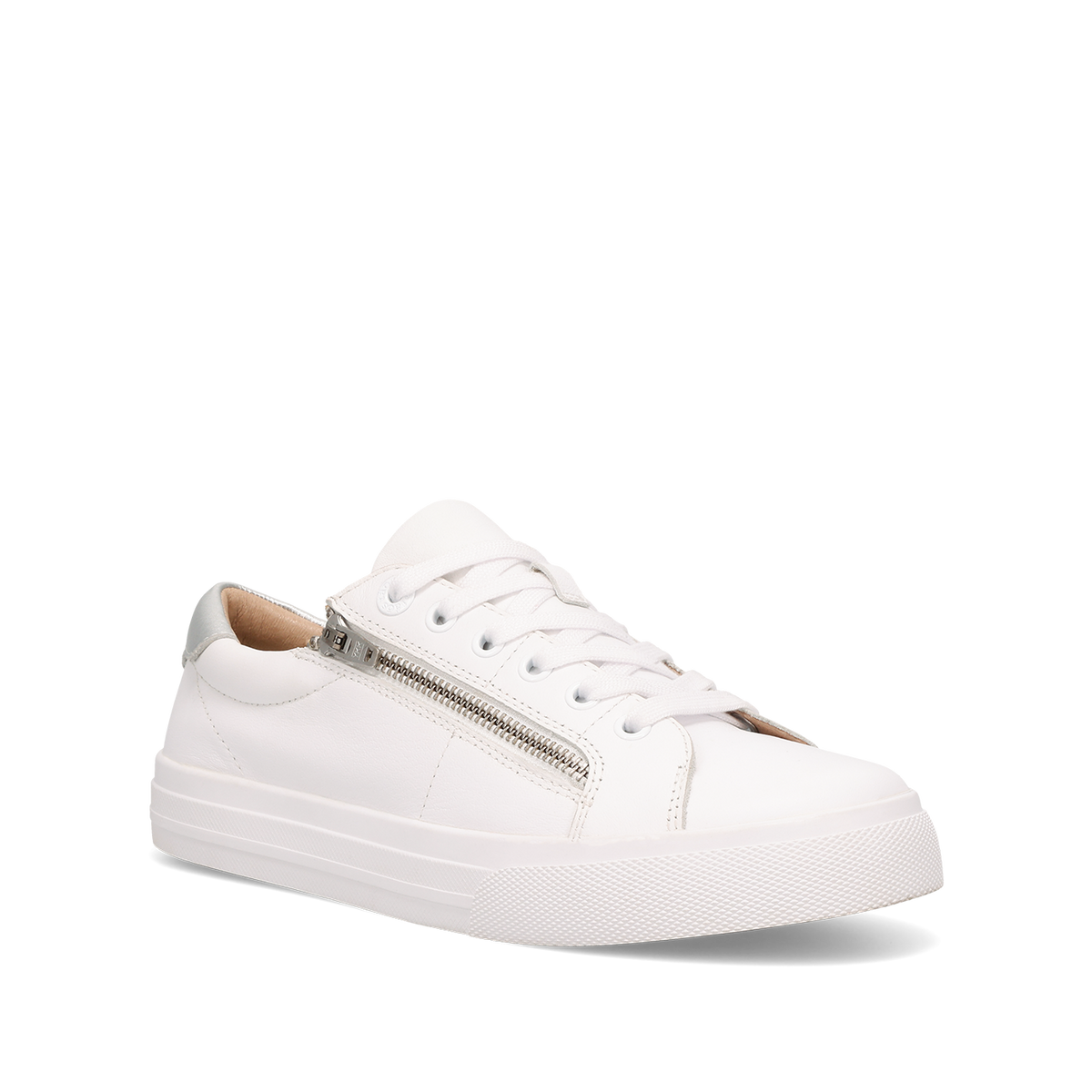
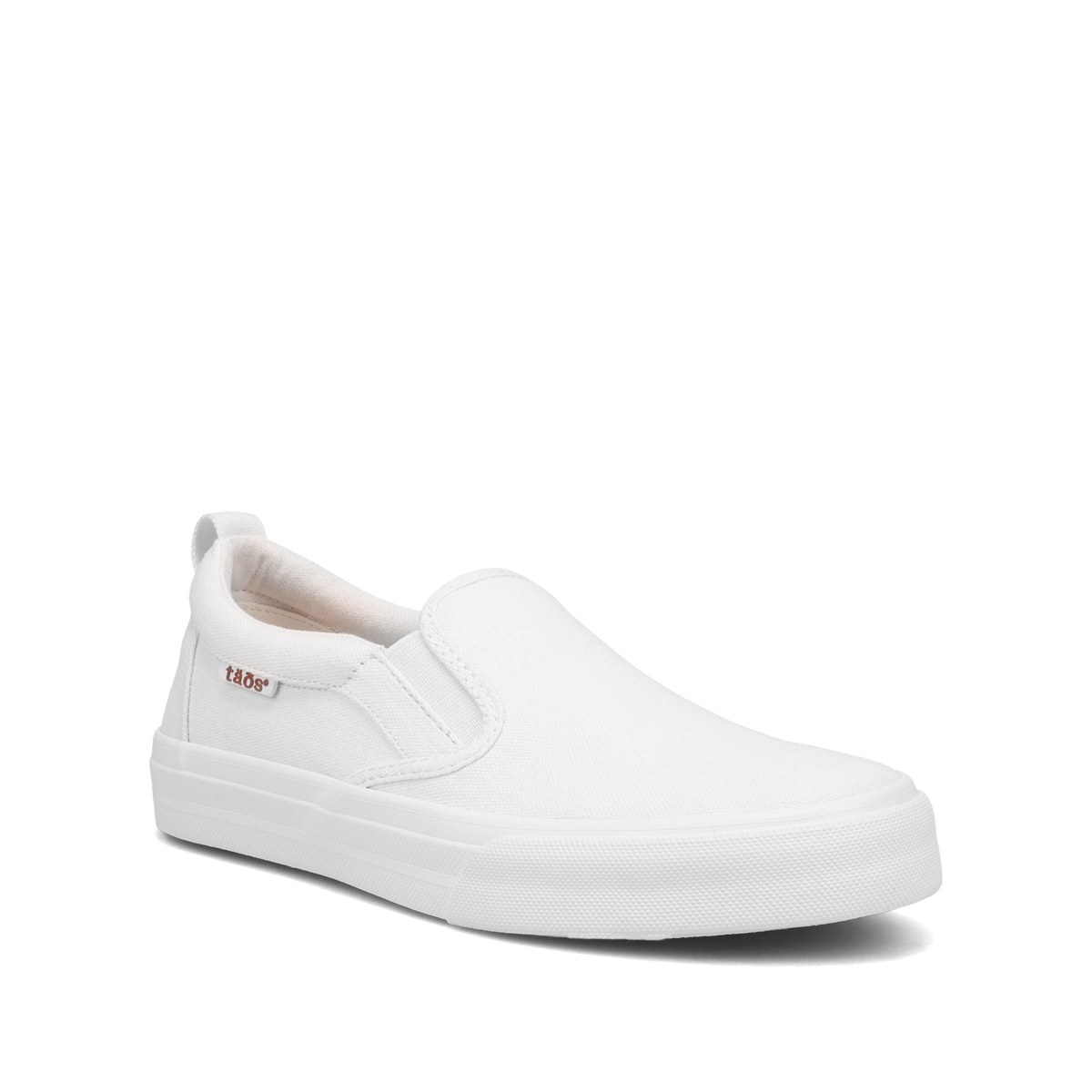
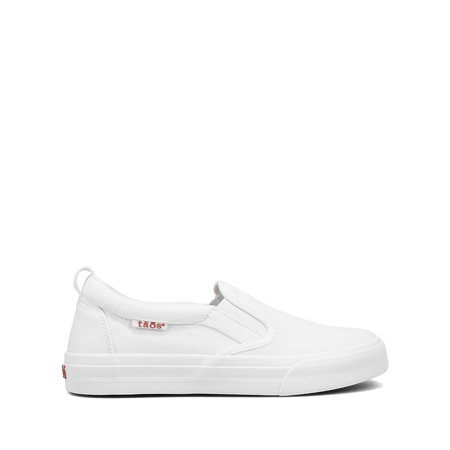
Thanks for joining the wishlist! We’ll send you an email when this item comes back in stock.
PayPal Pay Later Messaging
Step 1: Choose message placement
Click the button below and then hover over your page to select a placement.
Step 2: Paste and save
You have copied the placement for the Product Page.
Go back to the App Embeds section, and in the Paypal Advanced Settings, paste the copied value into the
Product Page field and click the 'Save' button in the top right corner.

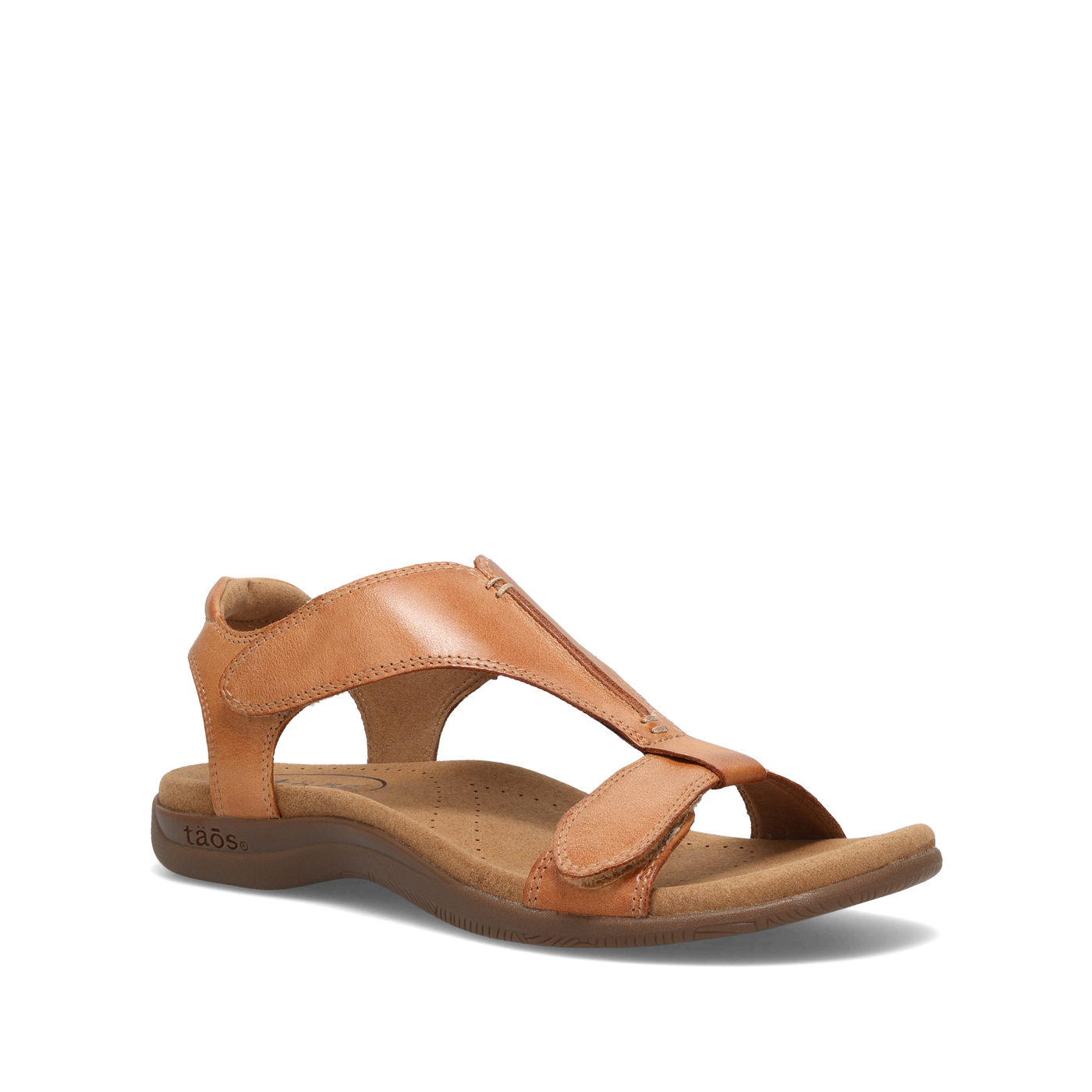


 Leather
 Canvas
 White
White
 Walking
 Soft Support Sandals
 Cork Support Sandals
 Active Sandals
 Wedge Sandals
 New Arrival Sneakers
 New Arrival Sandals